Create 3D Models from Images
or text prompts in seconds with Pixal3D
Turn product photos, sketches, or simple prompts into textured 3D assets for games, ecommerce, AR/VR, social content, and studio pipelines. Free to start, no 3D modeling experience needed.
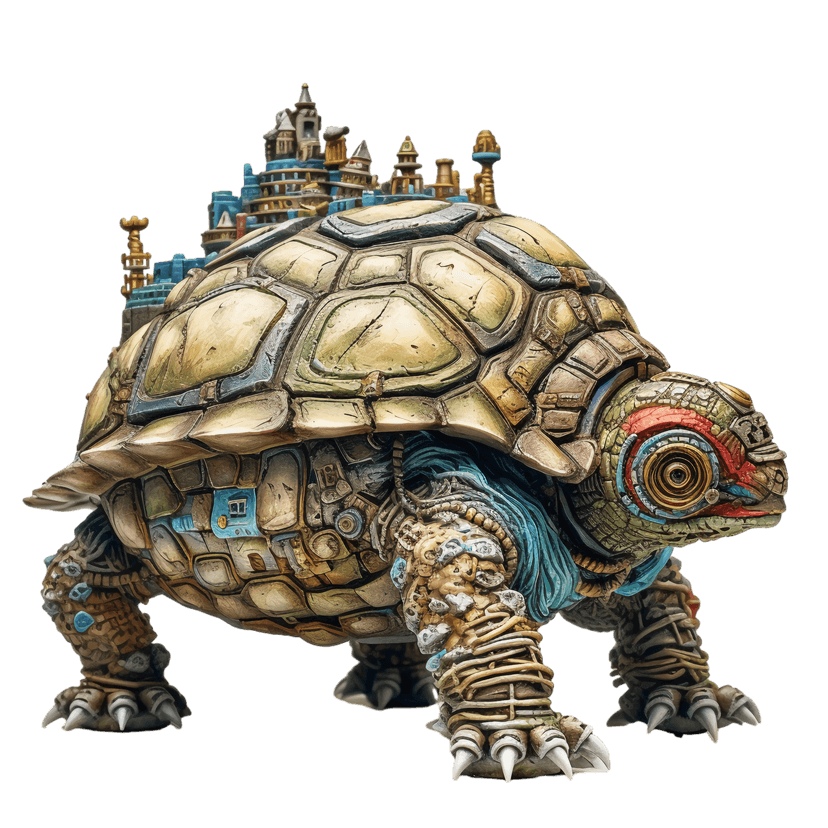
or drop / paste a product photo
No image? Try these:
AI 3D MODEL GENERATOR
High-Quality 3D Assets from One Idea
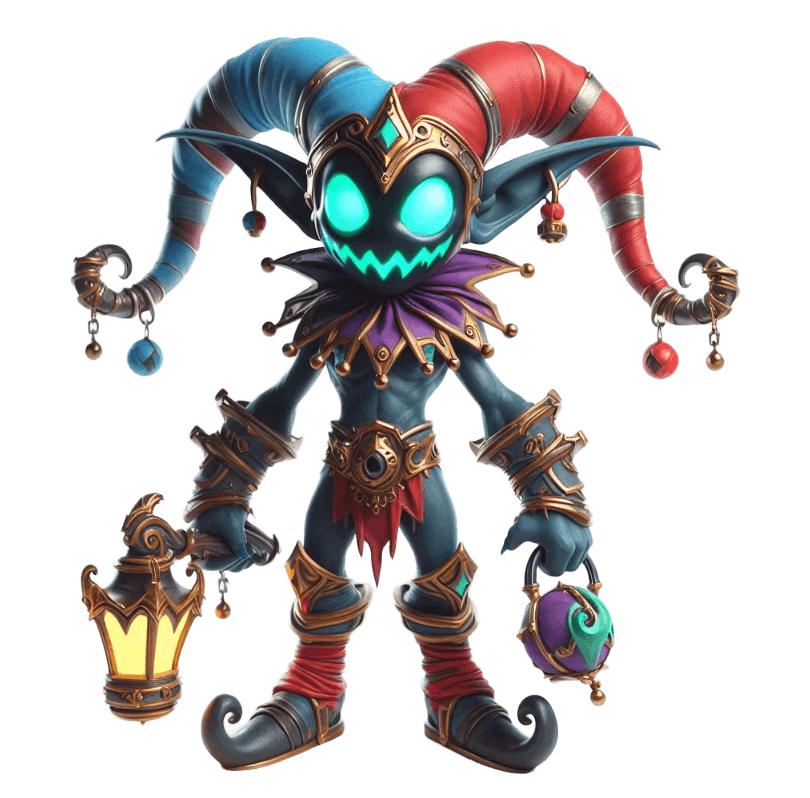
Generate usable 3D models from photos, sketches, or prompts. Pixal3D helps creators and teams produce textured assets for content, games, product visualization, and immersive experiences.


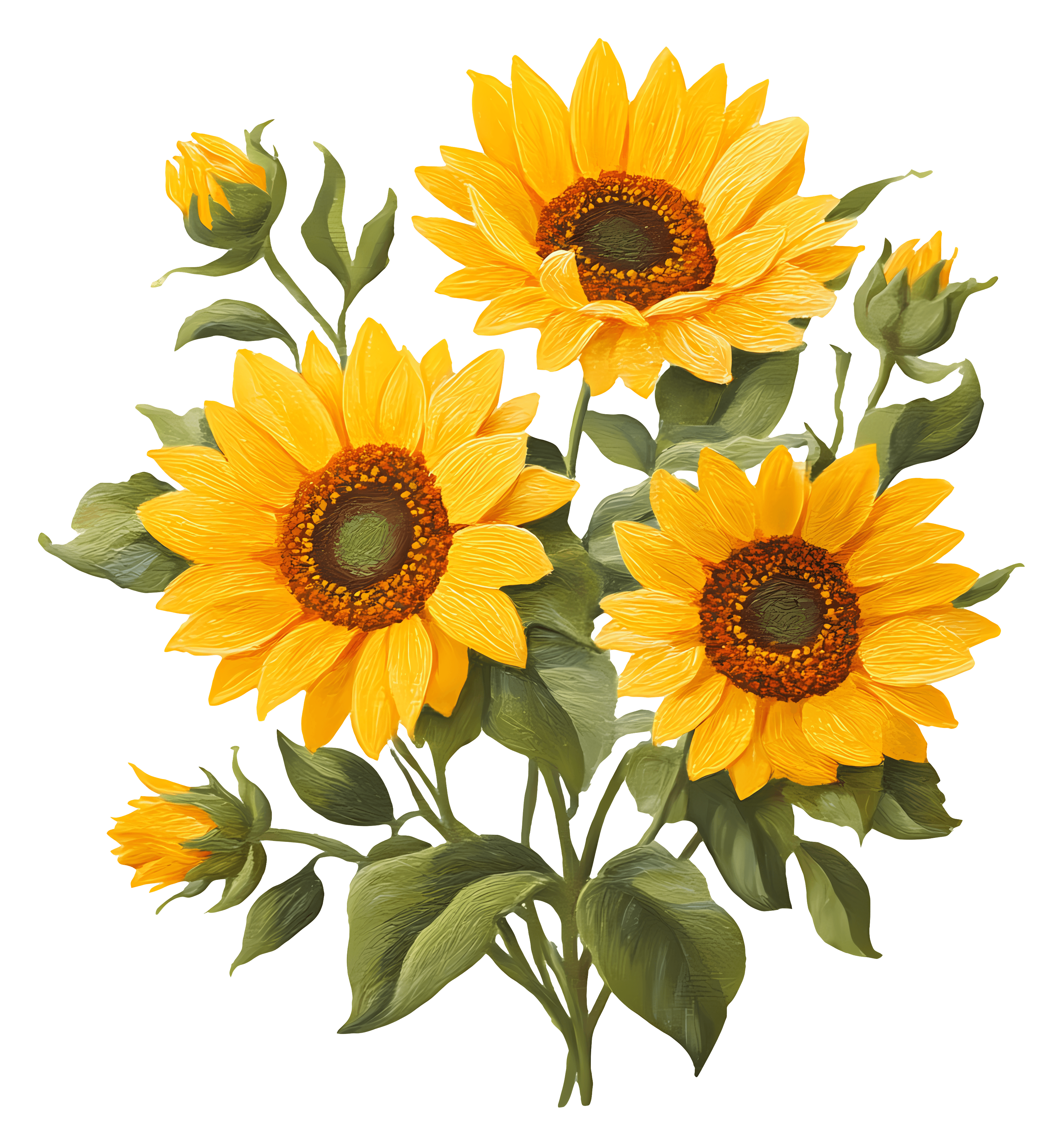
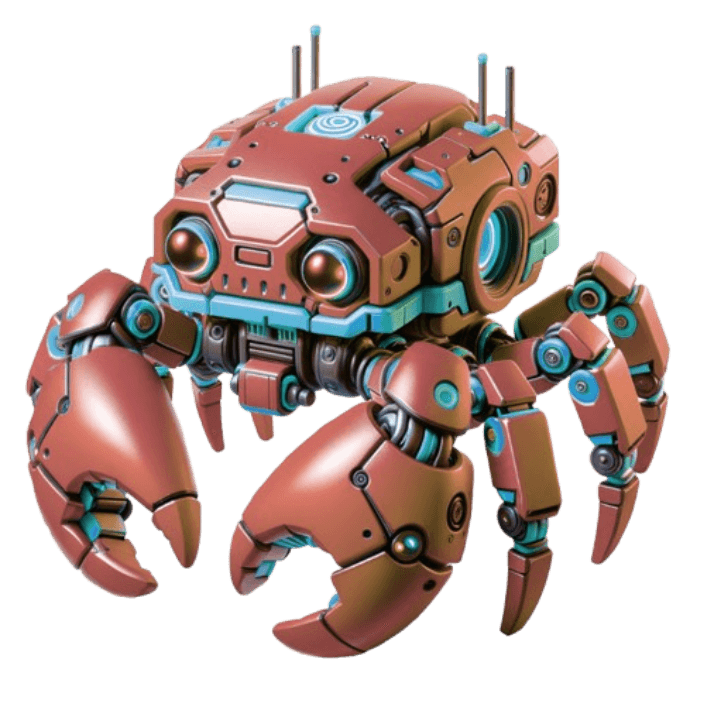
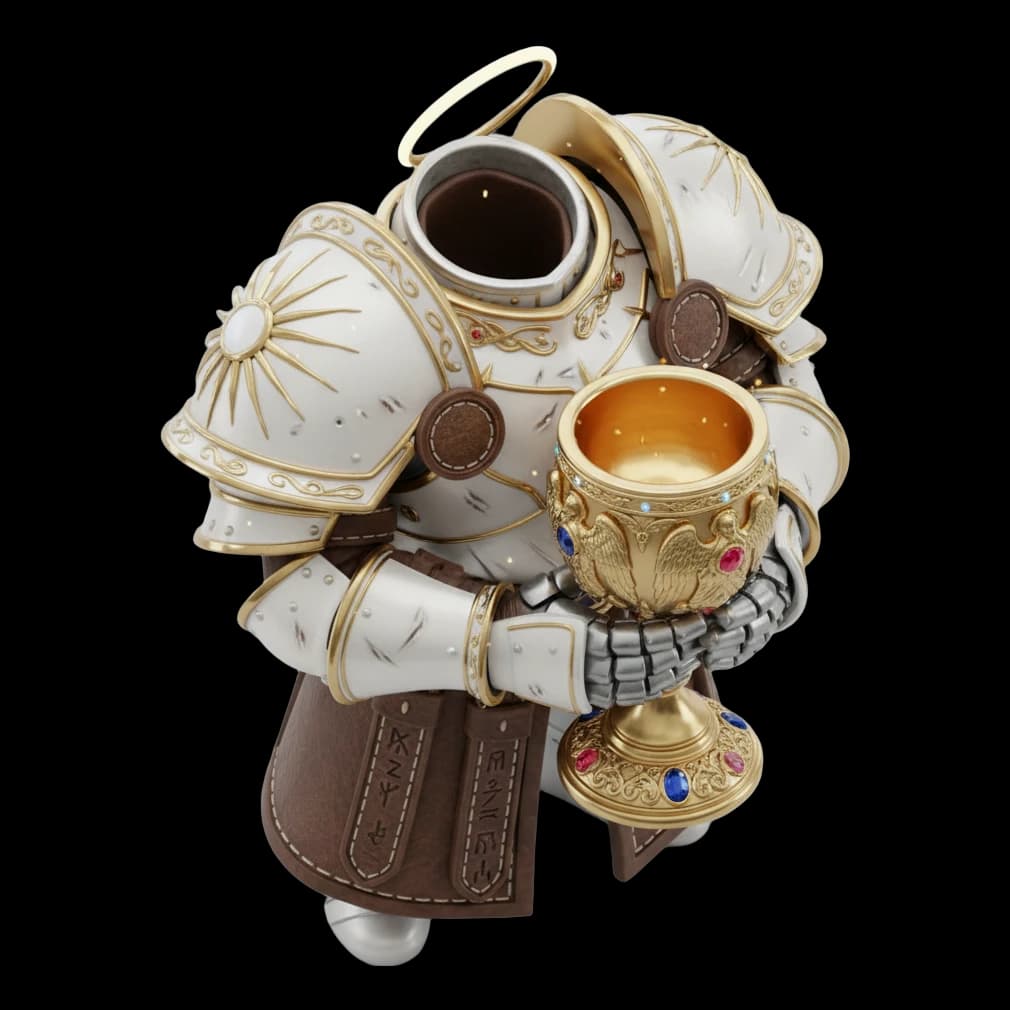
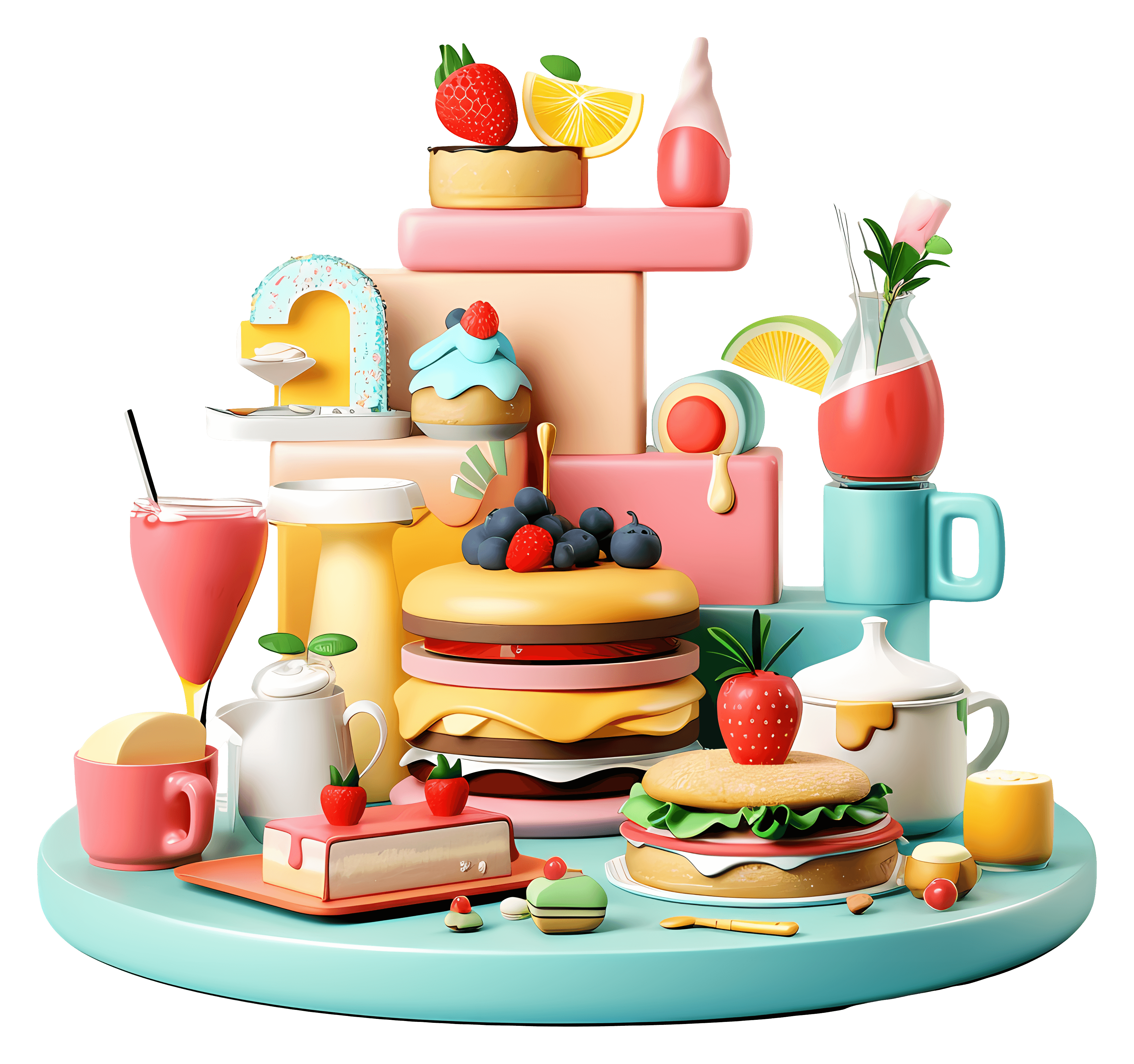
WHY PIXAL3D
Diverse 3D Creation Methods
Multiple input options, creator-friendly pricing, and export formats for real production workflows.
Free trial of AI 3D generation
Start with free monthly credits and test image-to-3D or text-to-3D generation before upgrading your creator or studio workflow.
Image-to-3D and text-to-3D
Upload a product photo, concept sketch, or reference image, or describe the asset you need in plain language.
Textured assets for production
Export clean 3D models with PBR texture support for Blender, Unity, Unreal Engine, AR/VR, ecommerce, and 3D printing workflows.
Fast generation for busy teams
Move from idea to usable 3D asset in seconds, making it easier to explore product shots, game props, social content, and client previews.
Built for creators, SMBs, and studios
Use Pixal3D for solo creator content, small business product visuals, agency concepts, game assets, and creative studio pipelines.
3D MODEL EXAMPLES
See what you can generate with Pixal3D
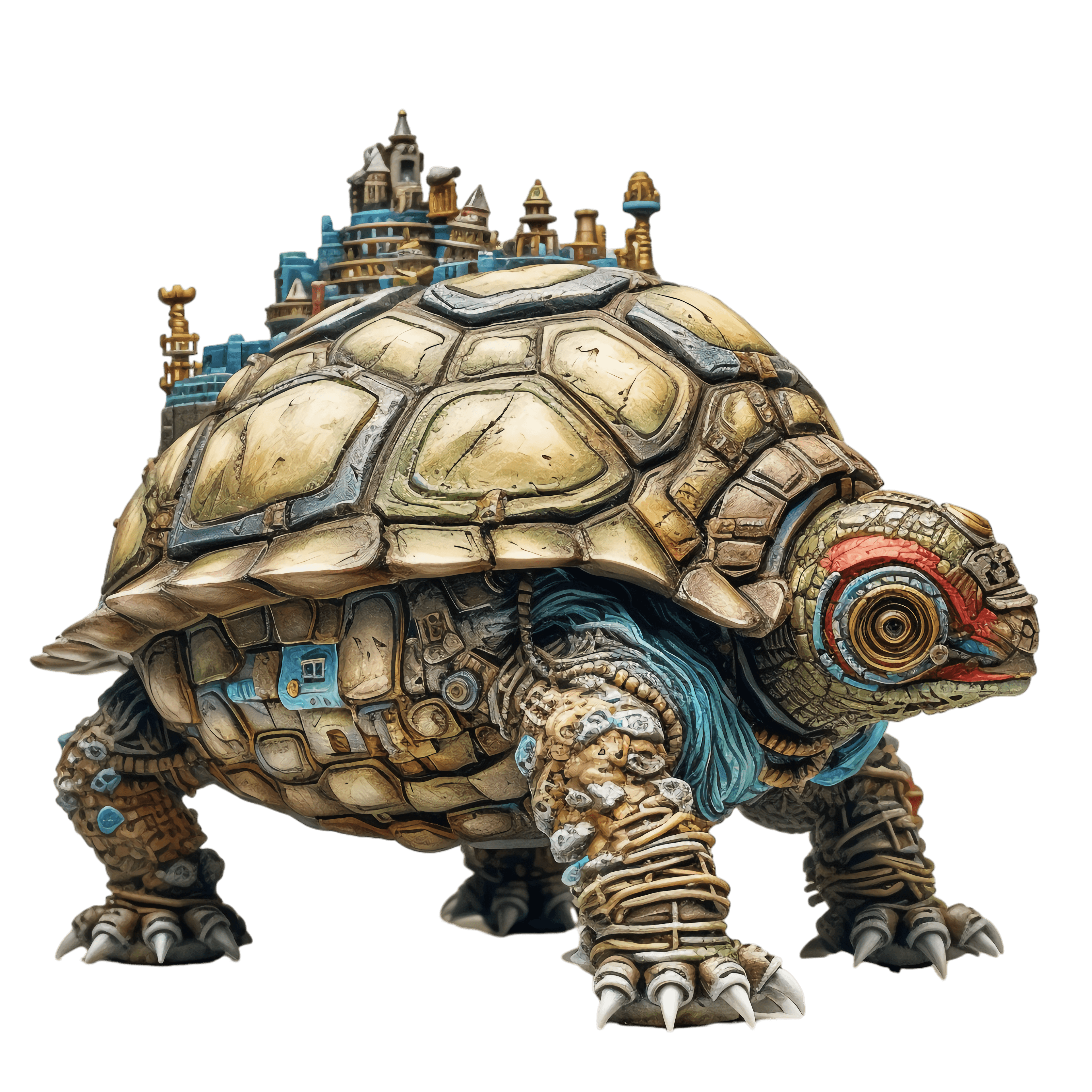
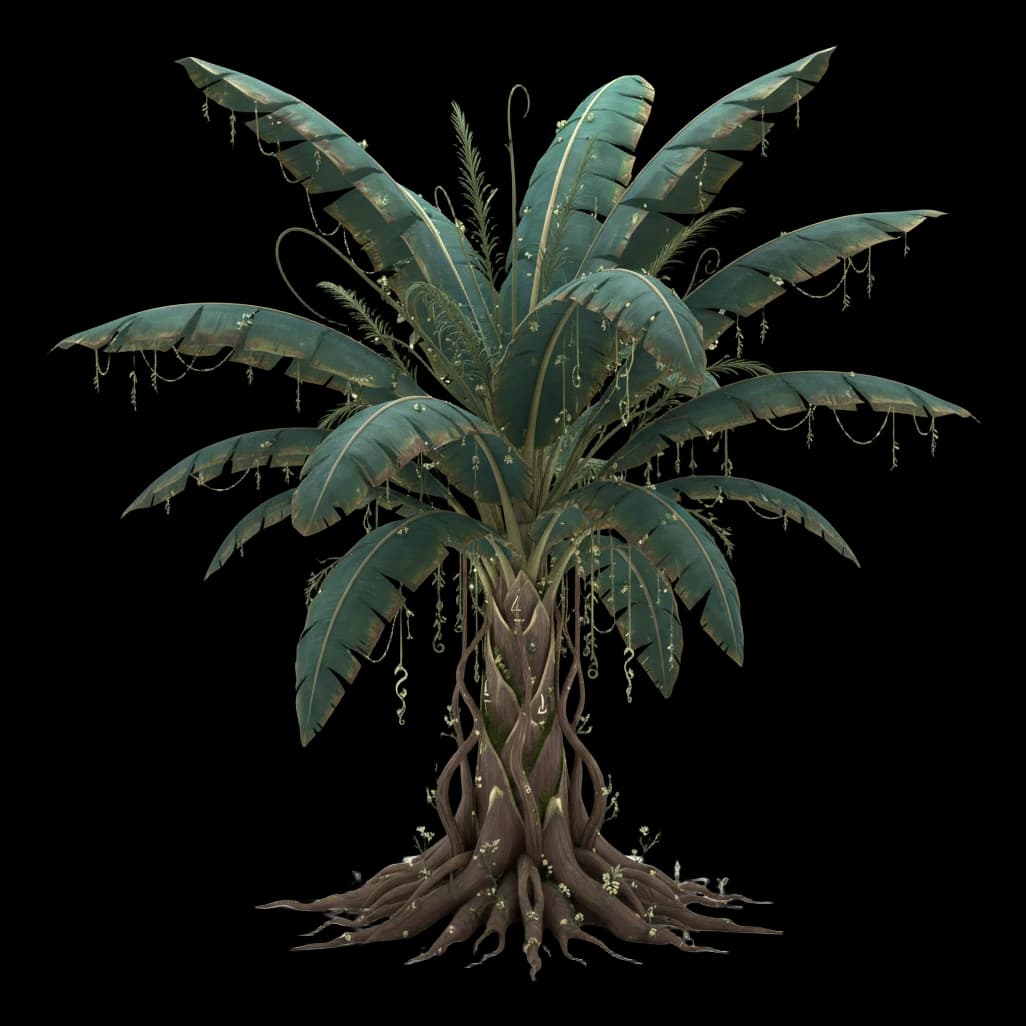
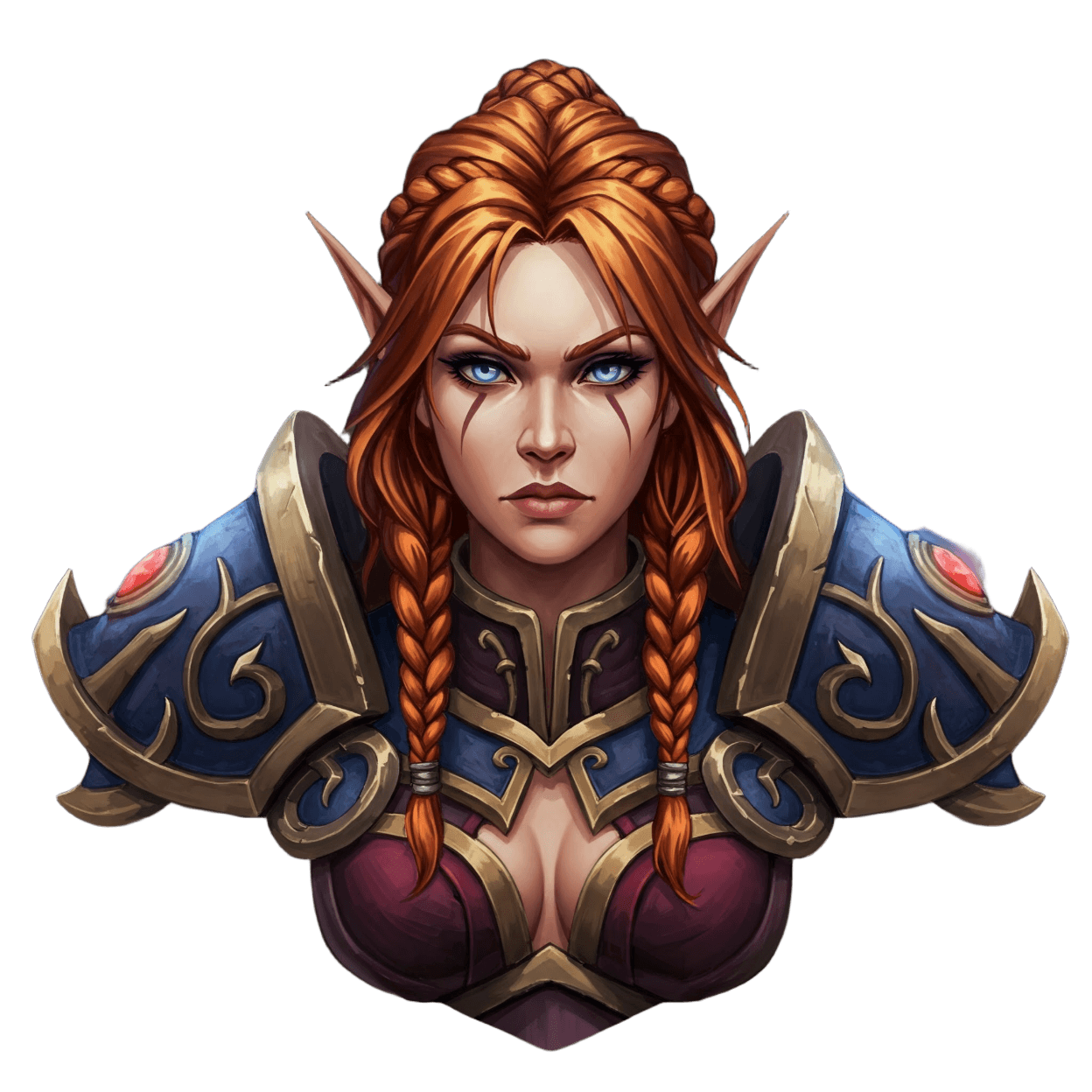
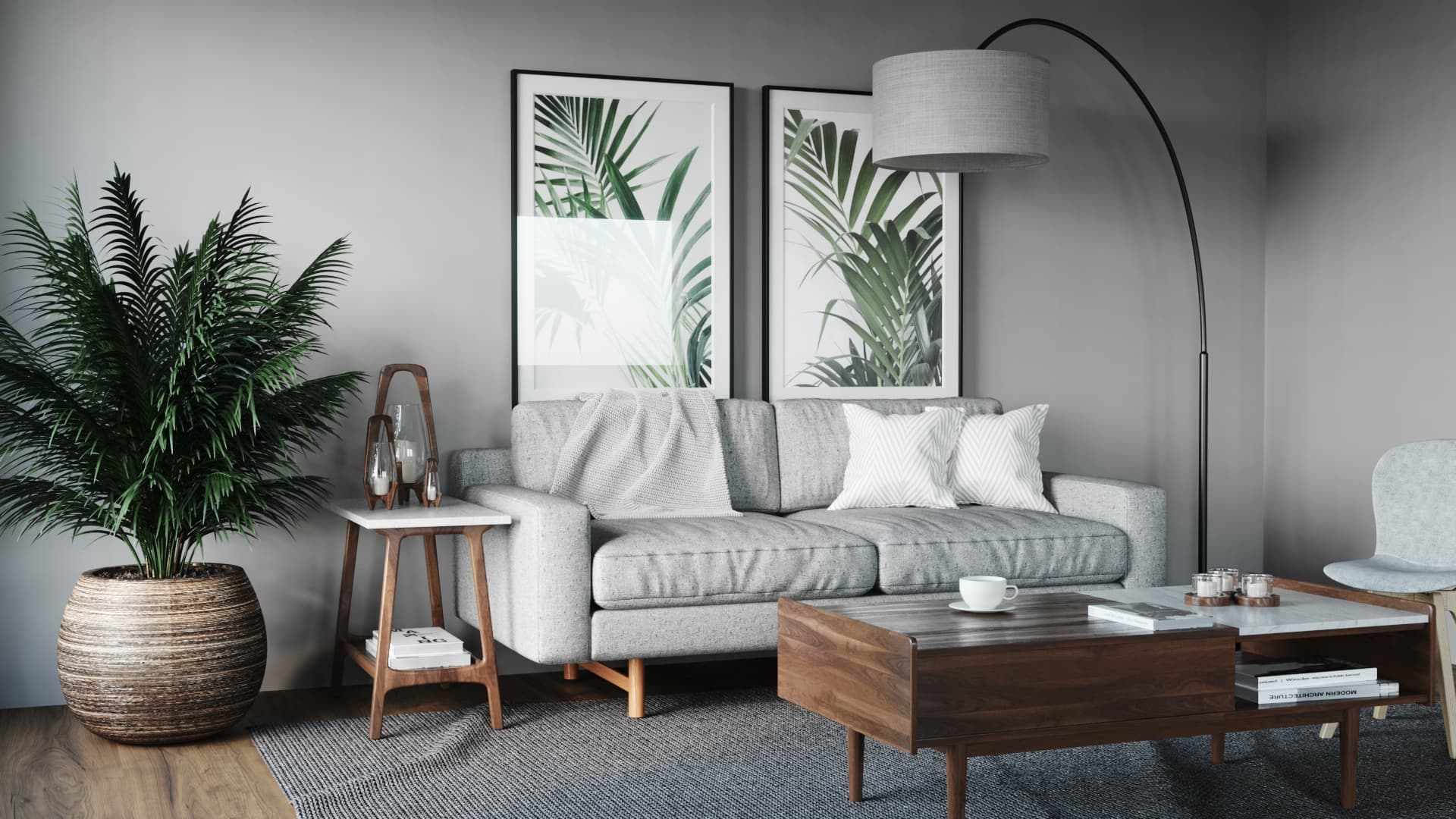
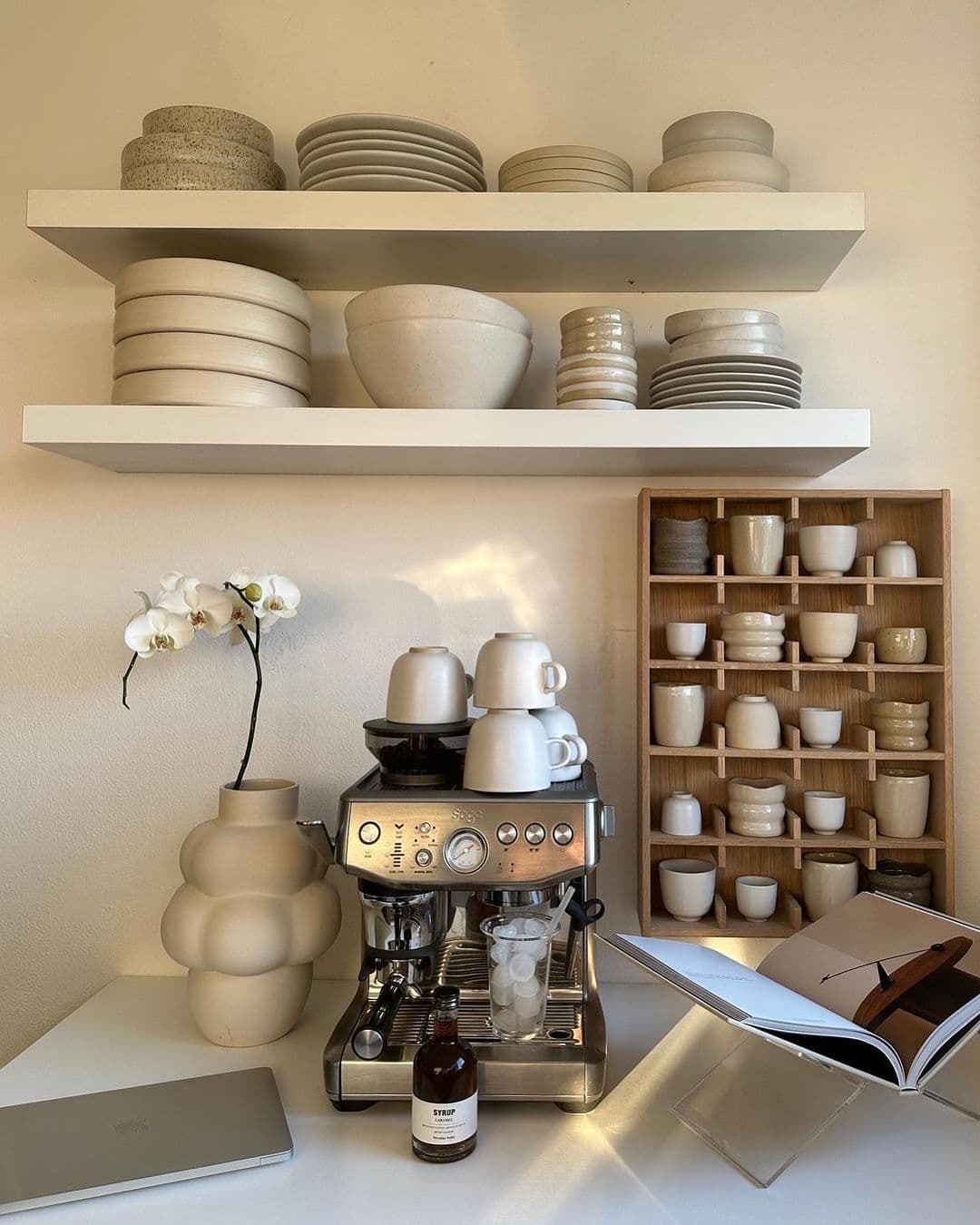
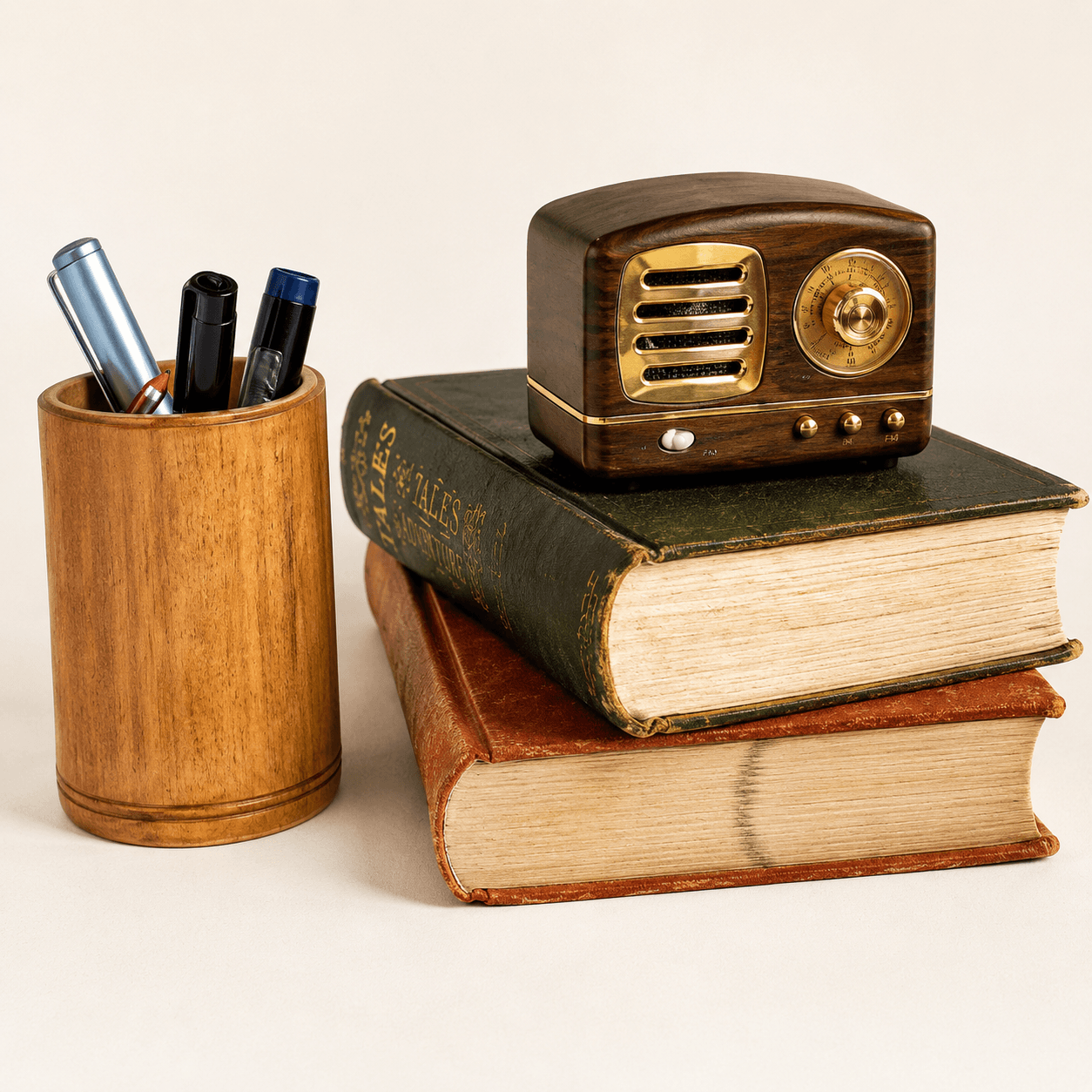
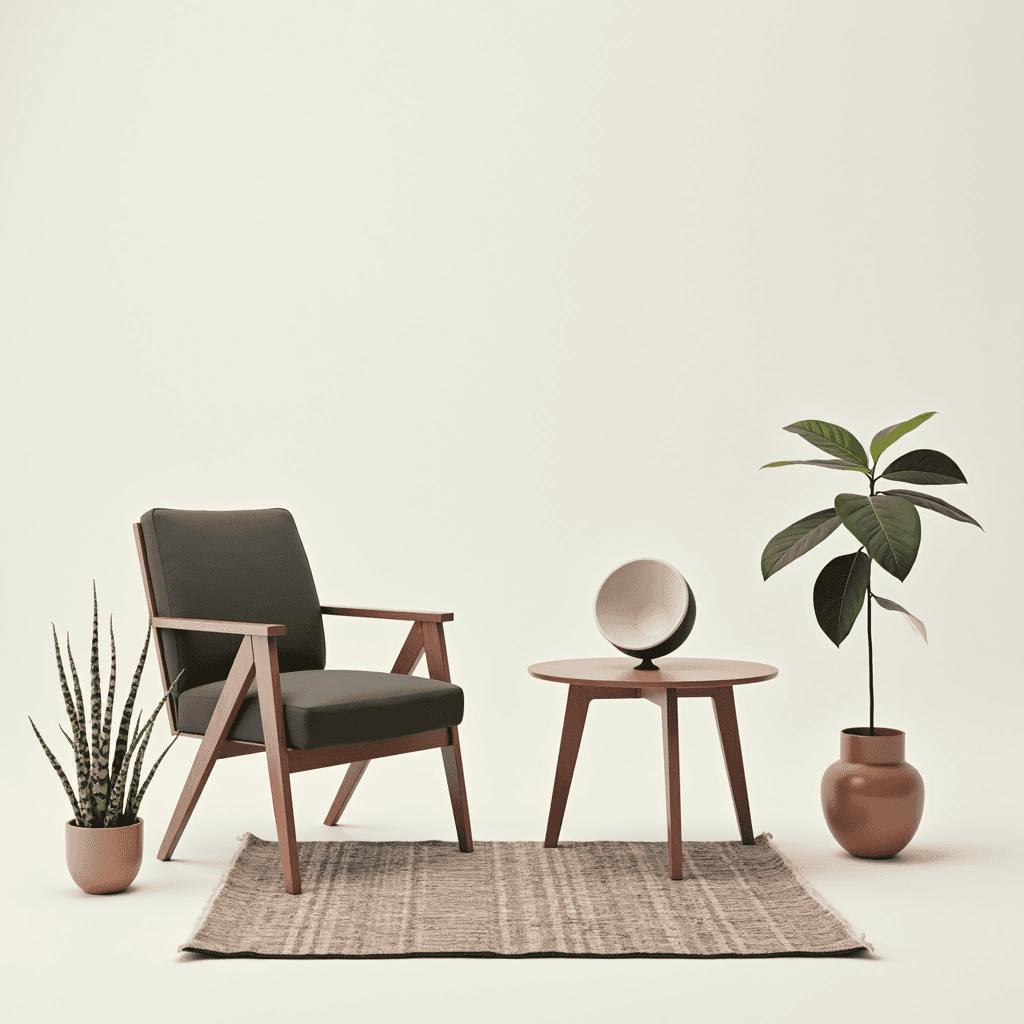
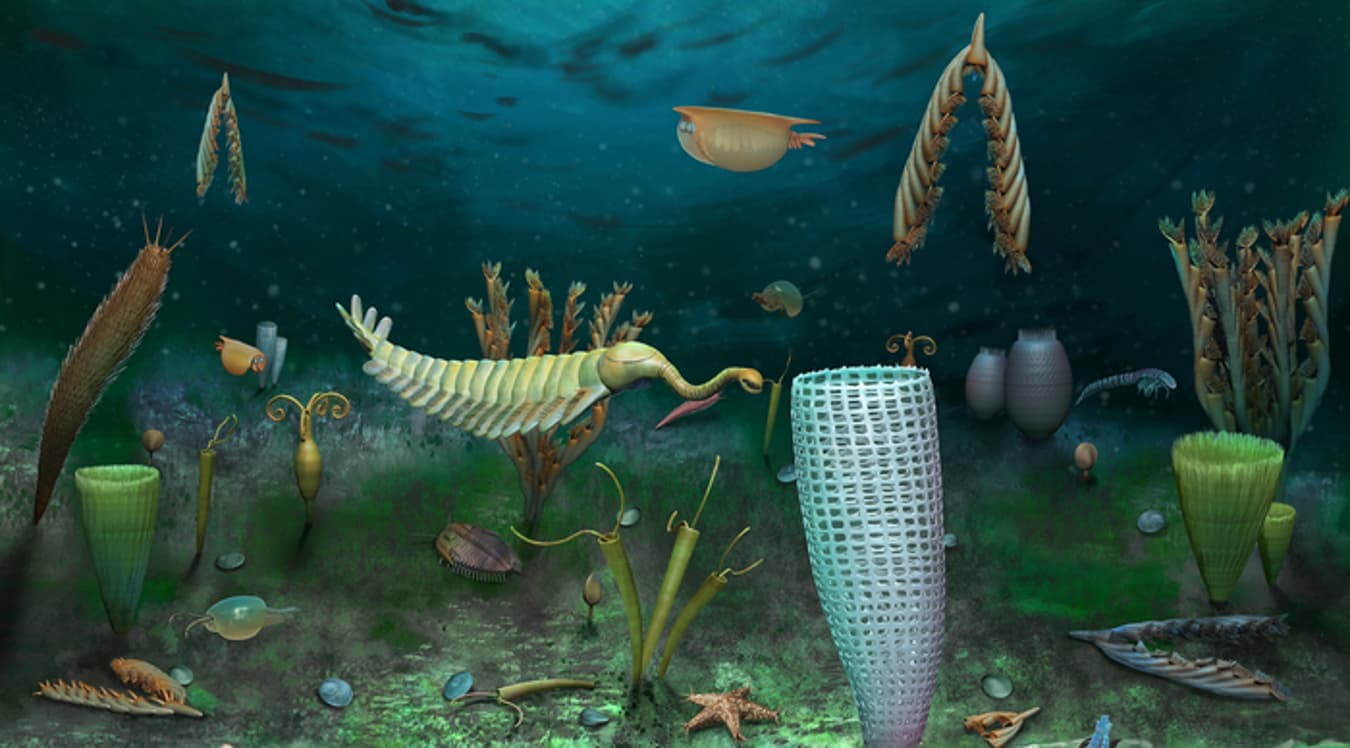
Browse image-to-3D examples for character props, product concepts, scene elements, and creator-ready 3D assets.

WORKFLOW
From Prompt or Photo to 3D Asset
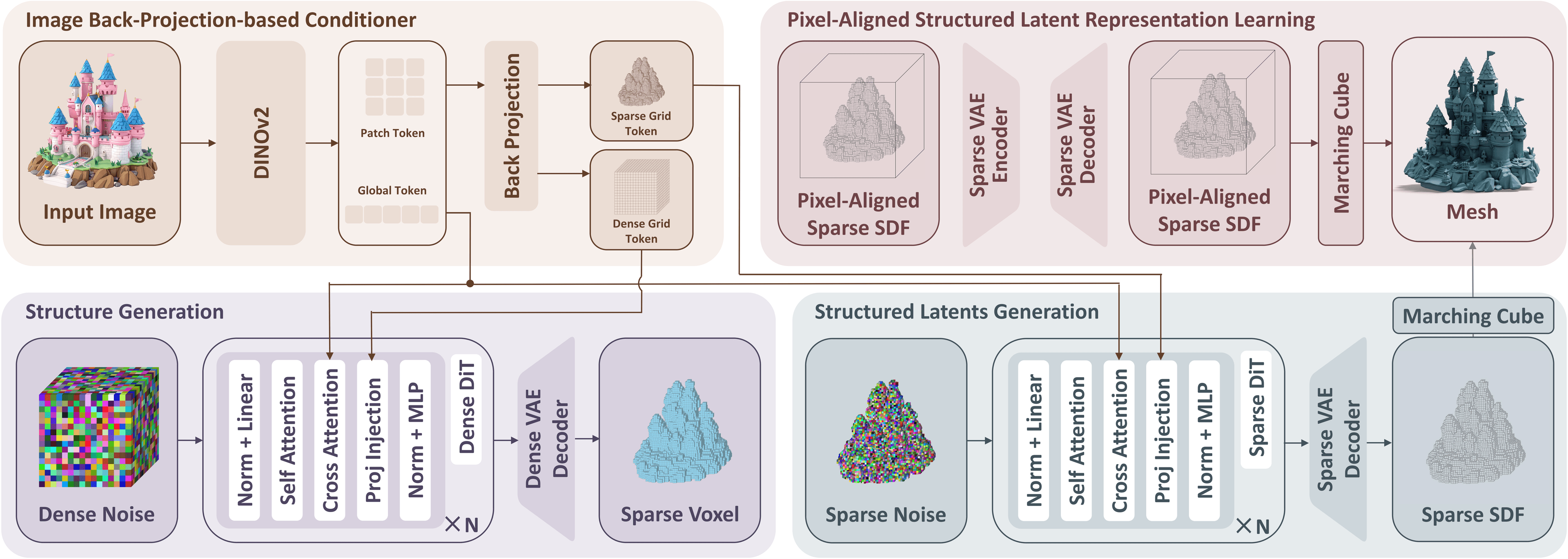
Pixal3D keeps the workflow simple for creators and small teams: upload a reference, choose quality and texture options, then download a 3D model ready for your favorite creative tools.
01
Upload an image or write a prompt
Start with a product photo, concept sketch, moodboard reference, or a short text prompt describing the model you want.
02
Pick the right generation mode
Use fast mode for quick ideation, higher quality for final assets, and texture options when you need production-ready materials.
03
Download and use your 3D model
Export assets for Blender, Unity, Unreal Engine, ecommerce previews, AR/VR prototypes, 3D printing, or client presentations.
Frequently Asked Questions
Plans for Every Creative Workflow
Start free, then scale from individual creator projects to agency, SMB, and studio production.
No credit card needed
- 300 monthly credits
- 1 concurrent tasks
- 2 downloads per day
- Fast drafts for testing ideas
- Great for first-time creators
Best for creators and freelancers
$0.08 / 100 credits
- 10,000 monthly credits
- 2 concurrent tasks
- Unlimited downloads per day
- Standard queue priority
- Assets are private & customer owned
- PBR texture export
- Multi-view image-to-3D
- Access to Pro quality level
Best for SMBs, agencies, and teams
$0.05 / 100 credits
- 40,000 monthly credits
- 6 concurrent tasks
- Unlimited downloads per day
- Maximized queue priority
- Assets are private & customer owned
- PBR texture export
- Batch-friendly creative workflow
- Access to Ultra quality level
For creative organizations
- Unlimited credits
- Unlimited concurrent tasks
- Unlimited downloads per day
- Dedicated infrastructure
- Assets are private & customer owned
- API & white-label integration
- Custom workflow support
Transform Your Ideas into 3D Assets
Use Pixal3D to create 3D models from images or prompts for product visuals, game assets, ecommerce, AR/VR, and creator content.